
Embrace Your Journey with All of Life XL
Your Profile
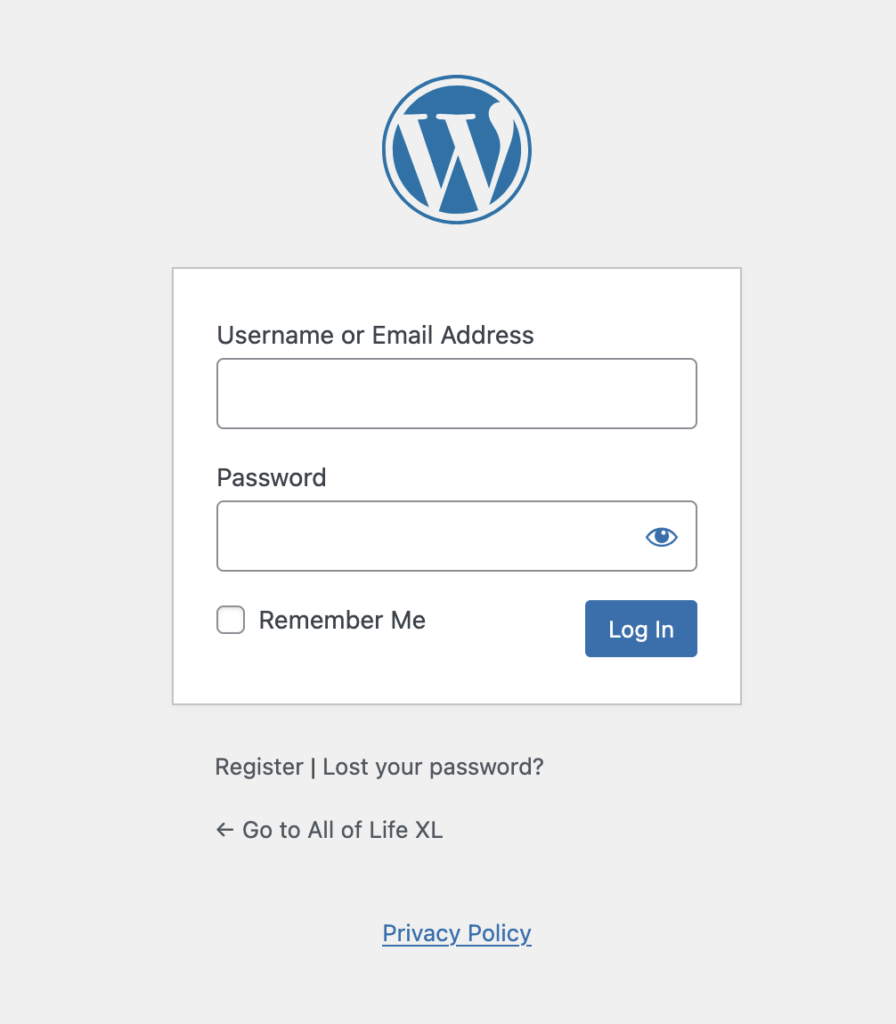
You’ll need to be a registered user at All of Life XL to fully experience the benefits of this site through bookmarks.
You can choose:
- Either create a login at All of Life XL. It will be a local login, only for this site.
- Or go to Gravatar, create a profile and a login there, and then come back to use that login to register at All of Life XL.
In both cases, you’ll use the “Register or Update Your Profile” above.
Gravatar is a third-party service that allows for using the same login information for all the WordPress-based websites you visit. It is a “single sign-on” service – a common account for you to use everywhere.
Our Newsletters
We offer several different newsletters. They are for free, and they do not require an account. You just tell which email address they should be sent to, and a confirmation email will be sent – when you have confirmed, you’re on the lists for future send-outs of your chosen newsletters.
If you do not get a confirmation email, please check your spam folder. You can unsubscribe at any time through the link in the newsletter.
What are Bookmarks?
Near the beginning of each article, you’ll find a small symbol that you can click/tab on – and it will show you a pop-up window with your bookmark categories. You can make new categories there as well.
Selecting a bookmark category will save the bookmark as a link to the article under that category.
On the My Bookmarks page, you can then find all your bookmarks, ordered by category, to read later, share with others, or whatever you like.
Bookmark categories and their bookmarks are by default private to you, but you can change them to being public as a setting in the Bookmark Dashboard, as well as in the pop-up window when you create the category.